

Trade smarter with professional indicators
Next-generation indicators for cTrader. Clean code, zero lag.
About Imperial Delta
We are a team of developers and traders building professional trading indicators for modern platforms. Our approach combines deep market understanding with cutting-edge development technologies, including artificial intelligence.
Trading Experience
0

Development Experience
0

Downloads
0

Real-Time Execution
0 Lag

What We Offer
Professional trading tools, built by a trader, for traders
Feature-Rich, Zero Lag Indicators
Packed with features competitors skip — session volumes, time countdowns, custom HUD displays — and optimized to run smoothly without freezing your terminal.
Built for Real Trading
These indicators started as personal tools. When the market needed more on cTrader, we built it ourselves — now they're available to you.
Save Hours Daily
Stop marking levels manually every morning. What takes 4 hours by hand takes 20 minutes with the right tools, freeing time for trading.
Smart Optimization
No unnecessary drawings on higher timeframes, with customizable lookback periods. Every feature highlights what matters without killing performance.
Our Products
Real tools, real performance, real results
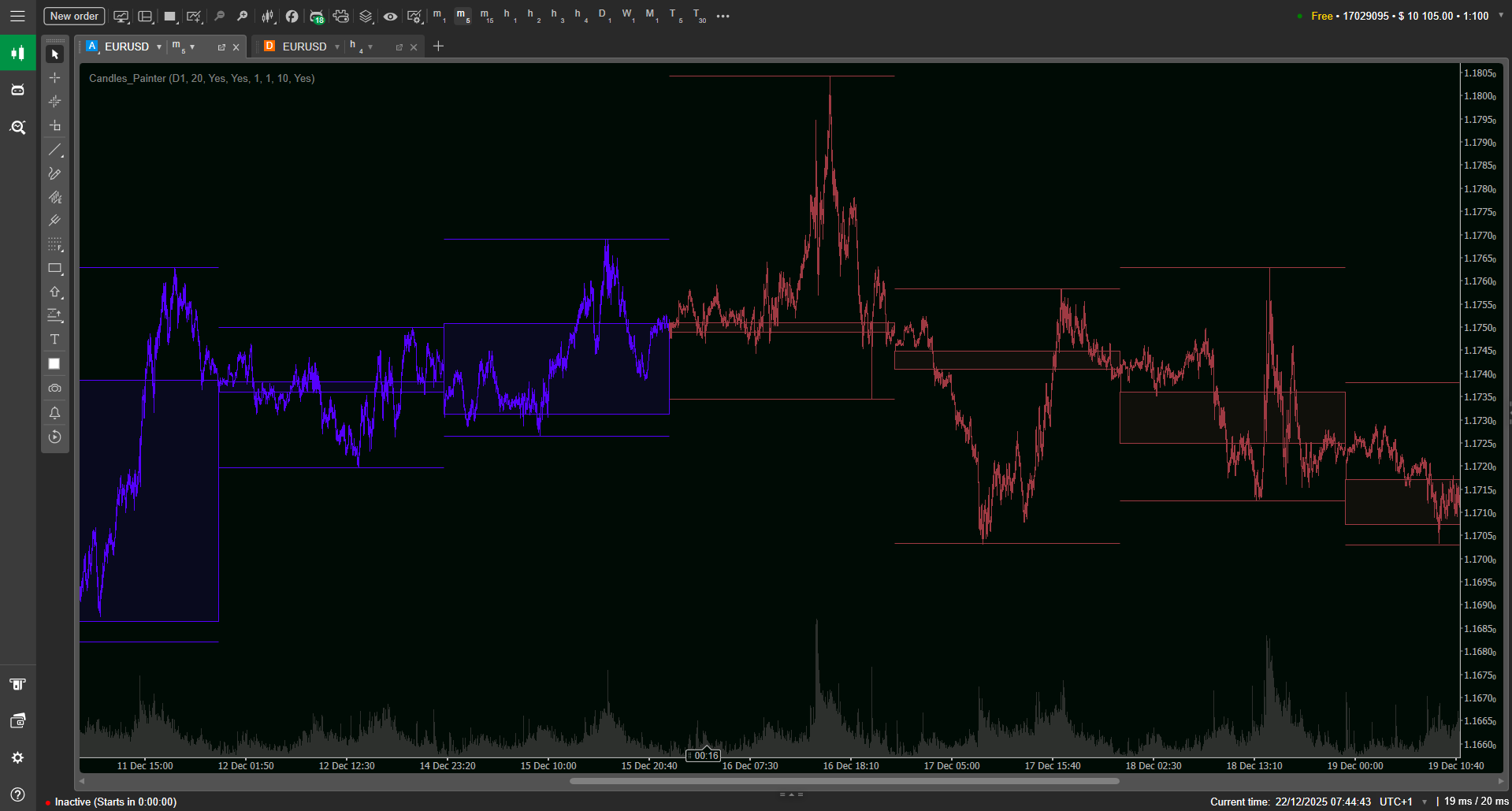
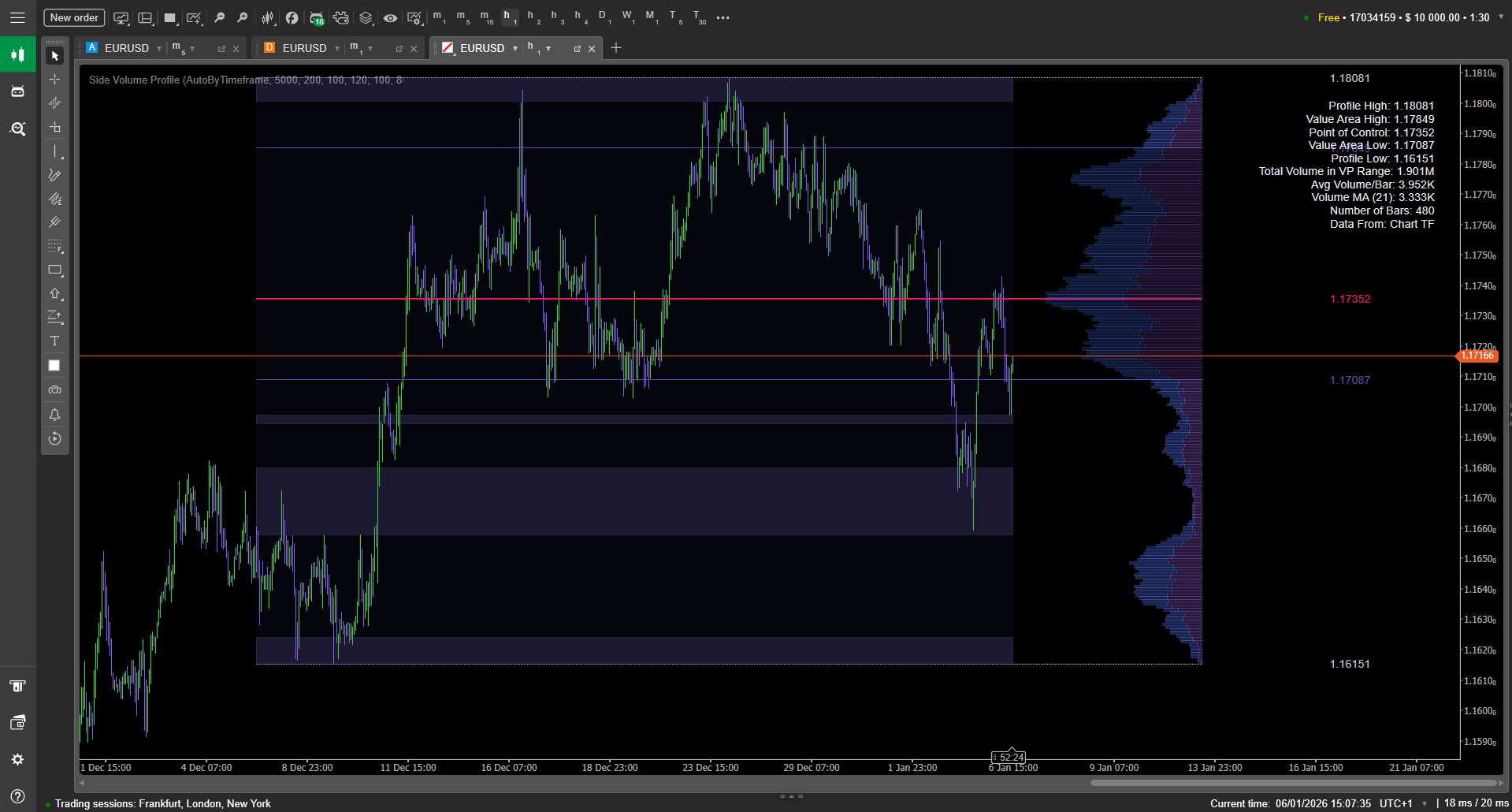
Coming soon
New indicator is in progress.

Coming soon
New indicator is in progress.
Our Standards
Built for performance, tested for reliability
Every indicator ships only after proving it can handle real trading loads without lag.
Clean Code
Optimized algorithms that won't slow down your terminal. No unnecessary calculations, no memory leaks.
Smart Rendering
Indicators only draw what matters. No visual clutter on higher timeframes, customizable lookback periods.
Real-World Testing
Every feature is tested in live trading conditions before release. If it doesn't work for us, it doesn't ship.
0
Hours of testing per indicator
0
Performance optimized


"Finally, indicators that don't kill my terminal. Fast, clean, and actually useful."

"The session indicator saves me 30 minutes every morning. Great customization options."

"Clean code, solid documentation, works exactly as described. Rare to find these days."
FAQs
Your questions, answered
Yes, all indicators work on both demo and live accounts without any restrictions.
Purchase or download through the platform's marketplace. The indicator will appear in your indicators list automatically.
Refunds are handled through the marketplace where you purchased. Check their refund policy for details.
Yes, all future updates are free.
Full documentation for each indicator is available on our website.
Make sure you're running the latest version of your trading platform. If issues persist, check the documentation or contact us.
Latest blog
Zero-lag cTrader indicators and tools for a faster trading workflow
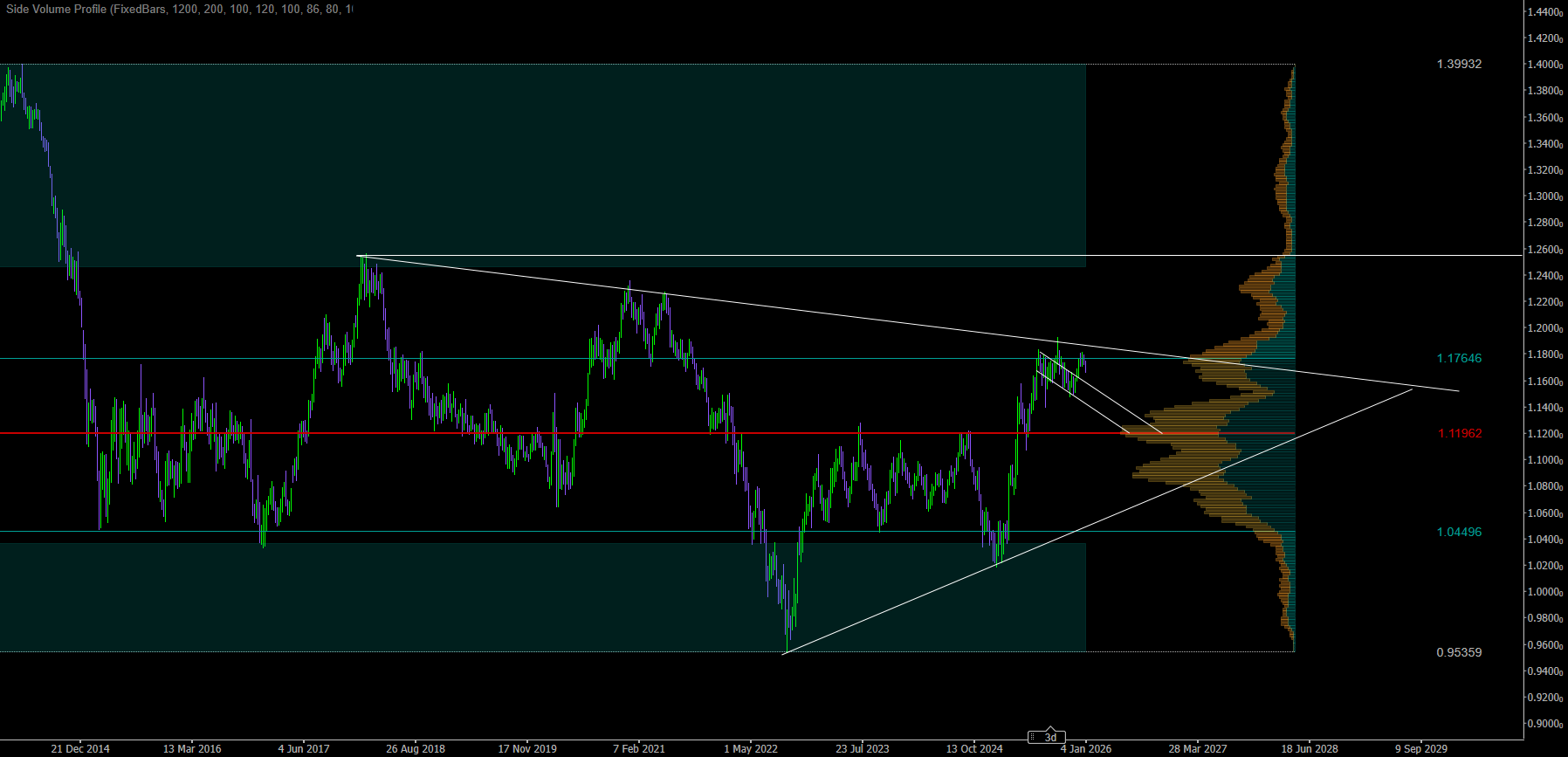
Horizontal Volume Profiles: How to Trade Them Well
Horizontal volume profiles (volume-by-price) help traders see where the market actually traded the most and the least. This guide explains core concepts like POC, Value Area (VAH/VAL), HVN/LVN, and how to read acceptance vs rejection.
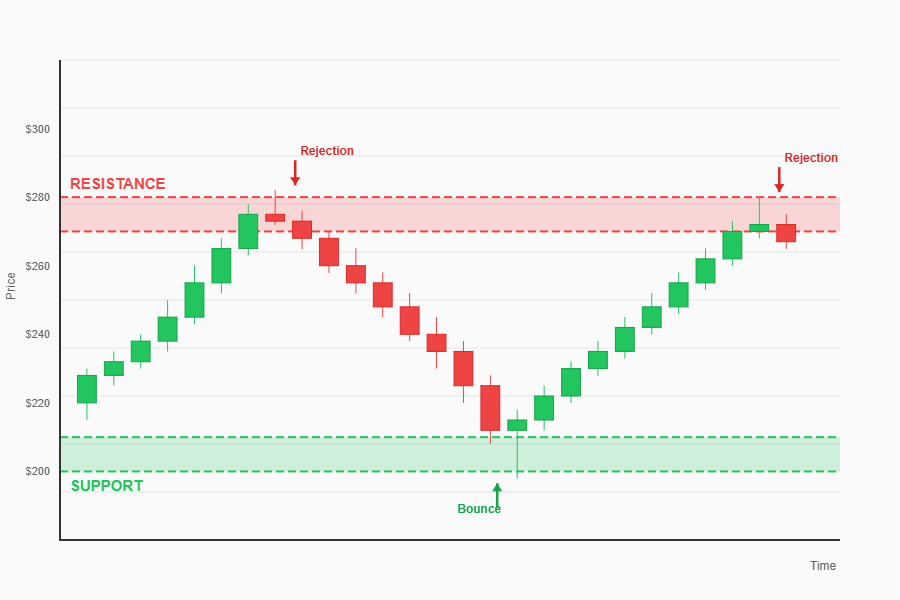
Support and resistance levels explained
Support and resistance are key “decision zones” where price often reacts. This beginner-friendly guide explains how these levels form, how to draw clean zones (not exact lines), and how to use them for entries, stop losses, take profits, and breakouts. You’ll also learn common mistakes—like over-marking charts and ignoring confirmation—and how to avoid them.

What is a Trend in Trading and How to Identify It
Learn what a trading trend is and how to spot it fast. This beginner guide explains uptrends, downtrends, and sideways ranges, then shows practical identification methods using highs/lows, trendlines, moving averages, and support/resistance. Avoid common mistakes like trading against the trend or misreading pullbacks.